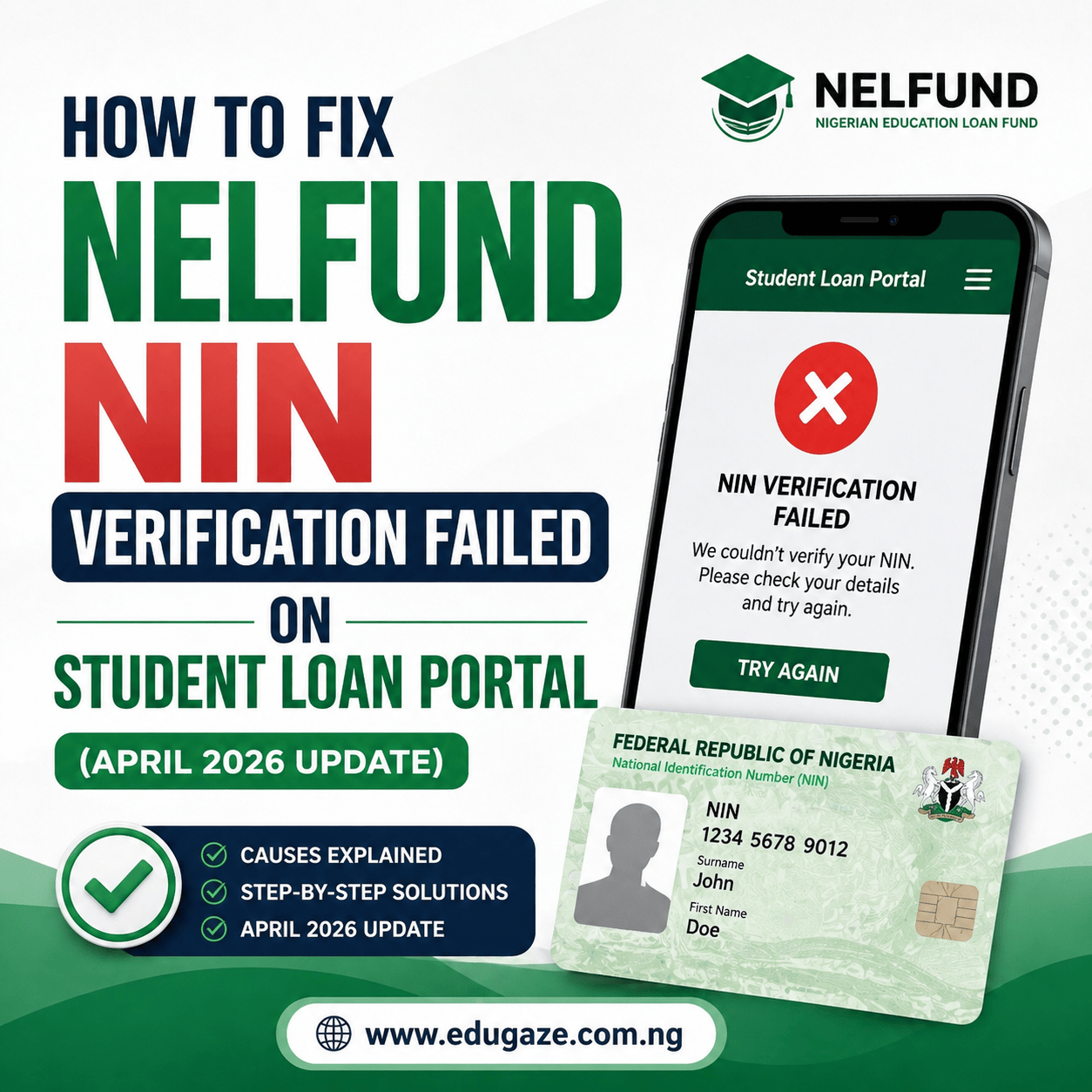
How to Fix NELFUND NIN Verification Failed on Student Loan Portal (April 2026 Update)
If you are a student trying to access the NELFUND loan portal this April 2026, encountering the “NIN Verification Failed” error is a major roadblock. As we move deeper into the 2025/2026 academic cycle, the Nigerian Education Loan Fund (NELFUND) has tightened its integration with the National Identity Management Commission (NIMC) to prevent fraud.
While the major application deadline was previously extended to late February, many students are currently trying to fix verification issues to ensure their upkeep stipends or tuition payments for the second semester are processed without hitches.
Why Is Your NIN Failing Right Now?
In April 2026, most verification failures are not just “random errors.” They usually happen because of one of these three reasons:
- Data Mismatch (The Biggest Culprit): The name or date of birth on your NIN does not match what your school uploaded to the Student Verification System (SVS).
- Unverified Institutional Records: NELFUND recently warned that if your school has not updated your records on their end, your NIN will not “hook” to any student profile.
- NIMC Server Overload: With many government services now requiring NIN, the verification servers often get “tired” during peak afternoon hours.
Step-by-Step Fixes for April 2026
1. Confirm Your School Has “Verified” You
As of this month, NELFUND Managing Director, Akintunde Sawyerr, has emphasized that institutions must update student records for the loan to work.
- The Fix: Visit your school’s Student Affairs department or ICT center. Ask them to confirm that your details (Name, Matric Number, and NIN) have been successfully uploaded to the NELFUND Student Verification System. If they haven’t done this, your NIN will continue to fail.
2. The “Letter-for-Letter” Name Check
The computer does not know that “John Chidi Okonkwo” is the same as “John C. Okonkwo.”
- The Fix: Check your NIN slip. Type your name on the NELFUND portal exactly as it is written. If your NIN has your middle name first, type it that way. Do not use abbreviations unless they are on the official NIMC slip.
3. Validate Your NIN via the NIMC App
Sometimes, a NIN is “resting” or inactive in the database.
- The Fix: Download the NIMC MWS Mobile ID App. If you can see your digital ID card on the app, it means your NIN is active and searchable. If the app cannot find you, you must visit a NIMC enrollment center to “validate” your data.
4. Use the “Midnight Strategy”
The NIMC and NELFUND servers are most stable when most Nigerians are asleep.
- The Fix: Try your verification between 1:00 AM and 5:00 AM. Many students in April have reported that verification that failed ten times during the day worked instantly in the middle of the night.
What to Do If the Error Persists
If you have tried everything and it still fails, the problem might be a “backend” glitch.
- Email NELFUND Support: Send an email to info@nelf.gov.ng or support@nelf.gov.ng.
- Subject: NIN Verification Issue – [Your Full Name]
- Content: Include your NIN, JAMB Number, School Name, and a clear screenshot of the “Failed” message.
- Check Official Social Media: NELFUND is very active on X (formerly Twitter) @nelfund. They often post announcements when the server is down for maintenance. Check their “Replies” tab to see if other students are complaining about the same thing today.
Final Reminder: Keep Your NIN Safe
Never give your NIN or your NELFUND login details to anyone who promises to “help you verify” for a fee. There is no “shortcut” or “backdoor” to the NELFUND portal. Verification is a purely digital process between NIMC and NELFUND.
By ensuring your school has uploaded your correct details and matching your name exactly as it appears on your NIN, you should be able to clear this error and secure your funding for the rest of the 2026 session.
About the Author